

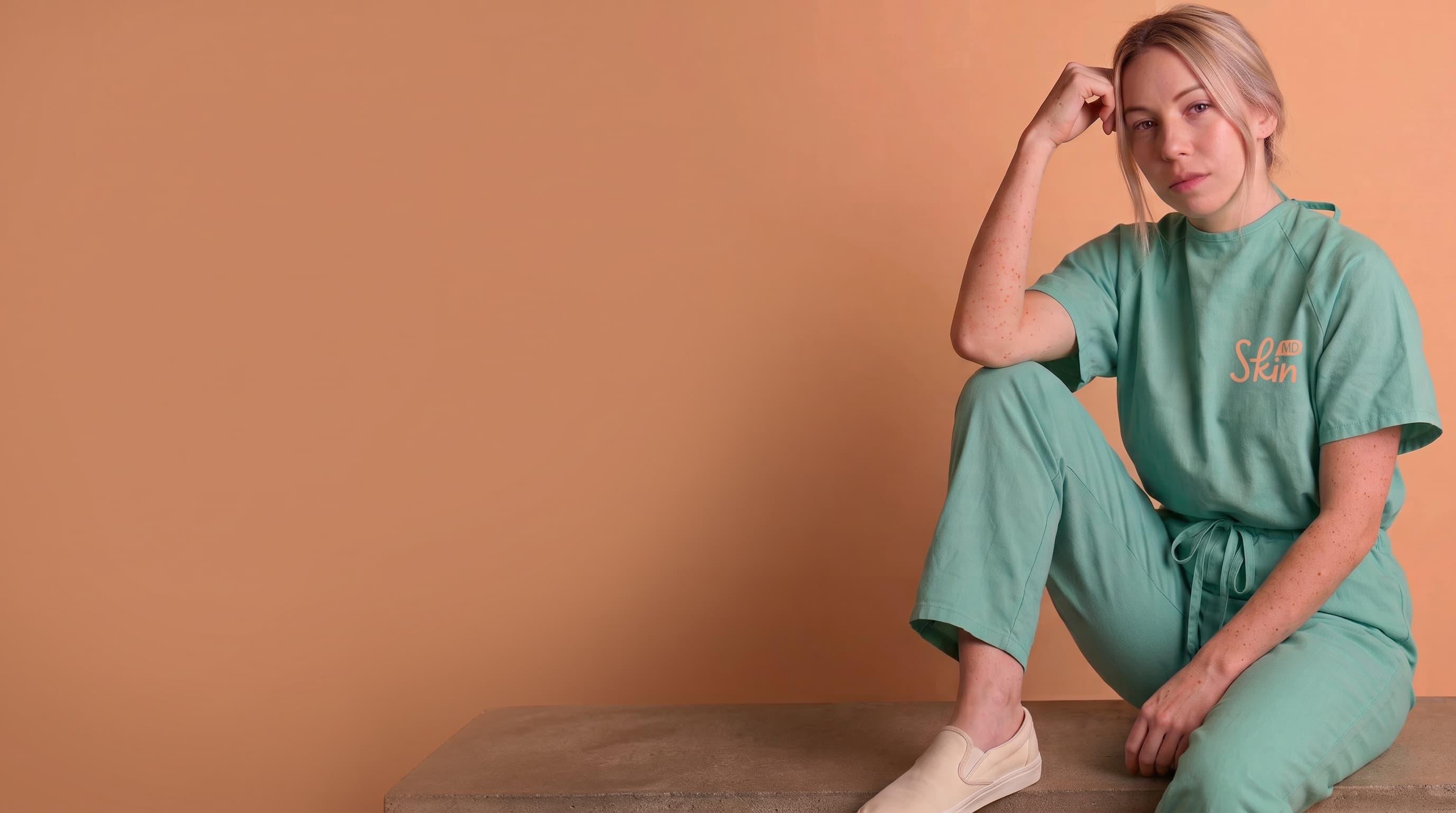
Document skin conditions with SkinMDTM Lens.
Keep records in minutes.
A documentation tool for doctors. Capture a clinical photo of any lesion, add structured notes, and attach it to the patient chart — all before the patient sits up.
A visit, start to finish.
Four steps. The same four you'd do on paper, except the images, the assessment, and the next appointment all live on the patient's chart.

- 01
Photograph the lesion.
Hold the phone over the lesion. The capture app frames it through a polarized attachment, tags it with the visit, body location, and laterality, and uploads when the device reconnects.
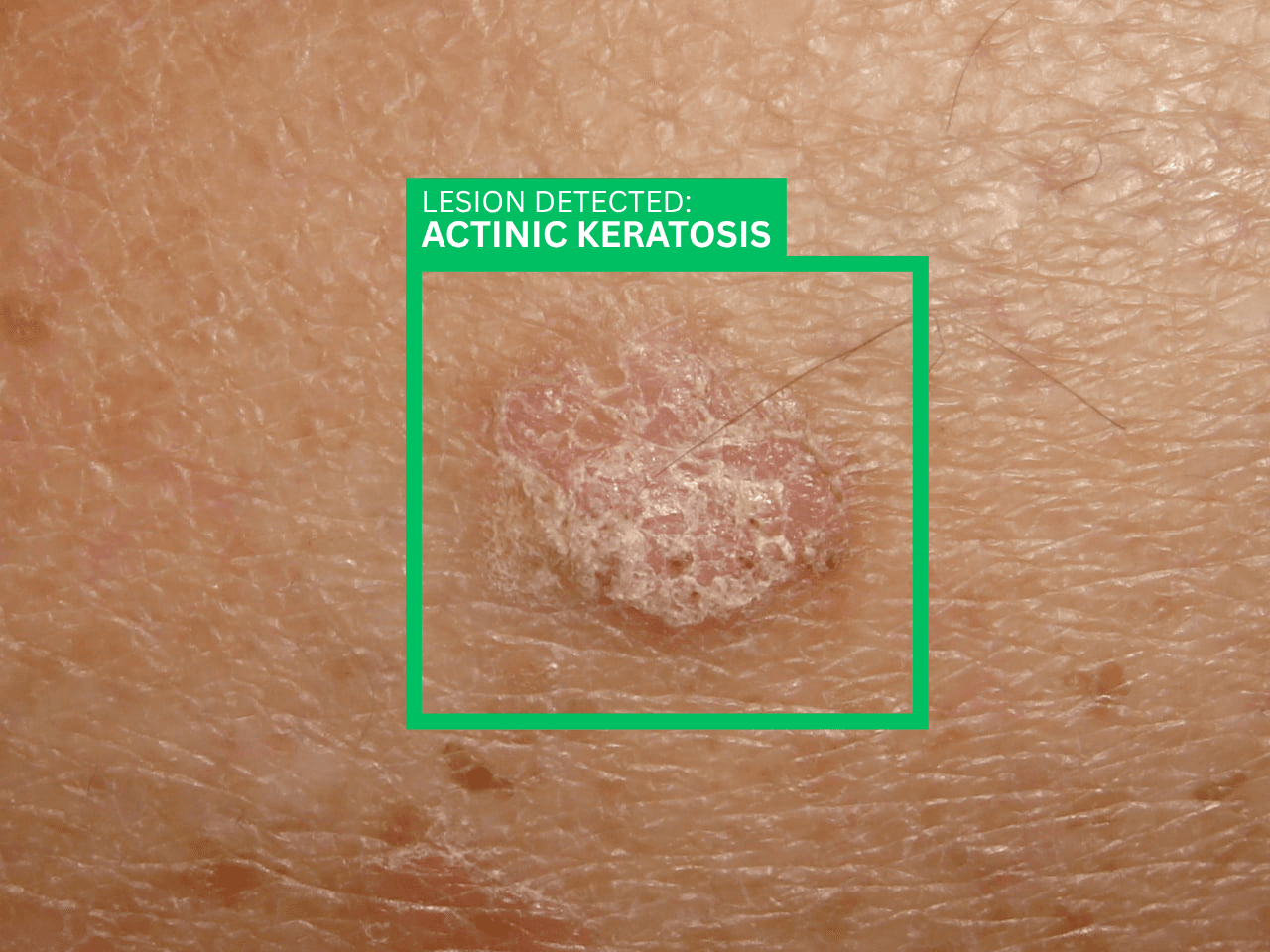
Lesion detected · actinic keratosis
Step 01
- 02
Document it.
Location, severity, body map, and notes go against the same lesion record. Takes about a minute. The note carries forward.
- 03
Compare with last time.
Open the chart and put today's image next to the same lesion from a prior visit. Framing stays consistent, so you can see what's changed.
- 04
Hand it to the patient.
Close the encounter, set the next visit interval, and send a signed link with the visit summary and the photos you selected. The link expires. Every view is logged.
The capture app
Framed. Calibrated.
Every time.
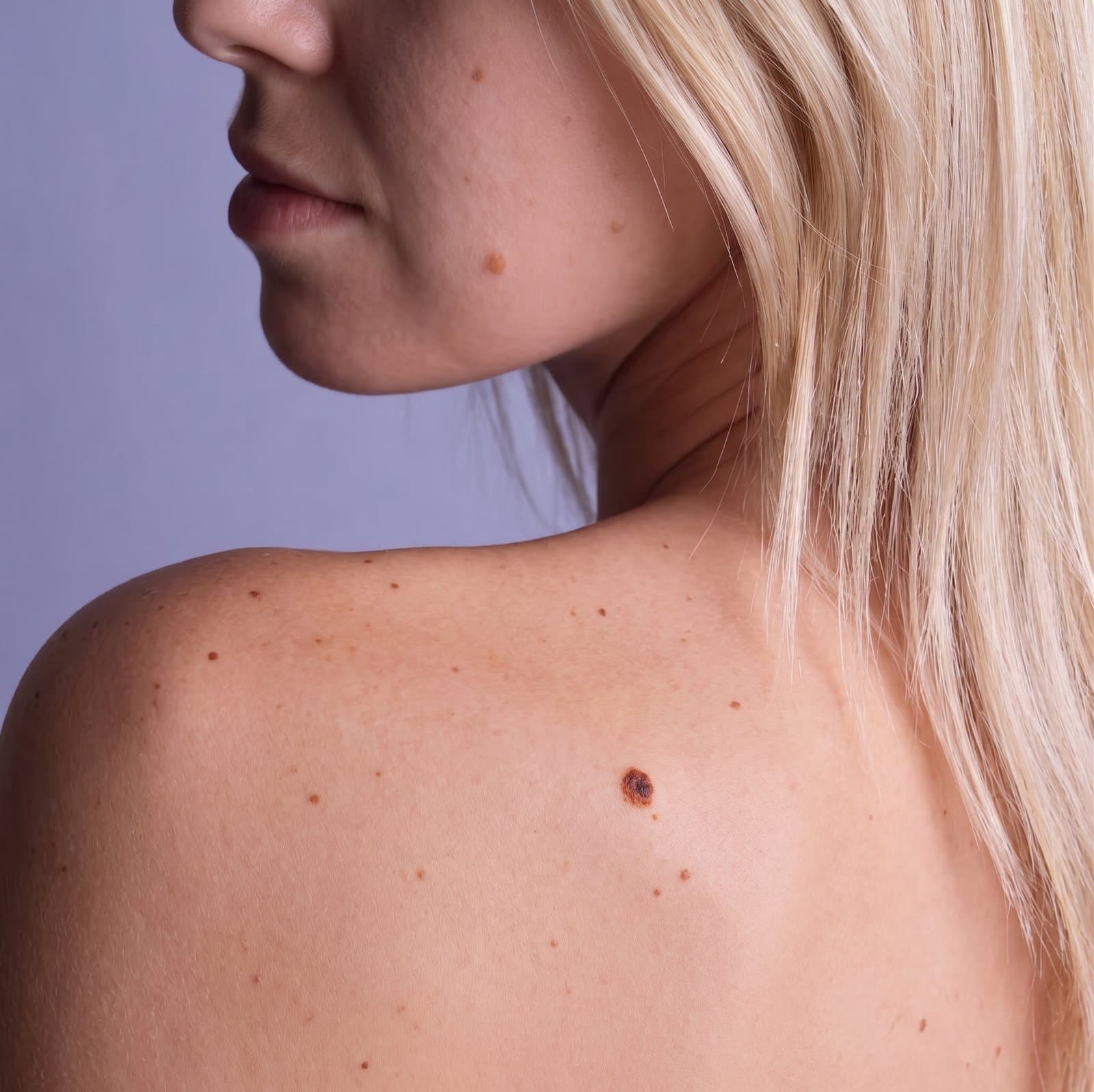
The SkinMD app turns your iPhone into a clinical capture tool. Consistent lighting. Fixed distance. Body location stamped on every photo.
- Consistent, color-calibrated lighting — no flash on skin
- On-screen guide locks the correct distance and angle
- Every image stamped with visit, body location, and side
- Original photo stored in the patient-scoped record
The record belongs to you.
Records are scoped to the clinician who creates them. Sharing requires an explicit link. Patient images are not used to train any third-party model.
- Encryption in transit and at rest
- Per-clinician record scoping
- Signed, time-limited share links
- Activity log on every record
- Secure cloud infrastructure
Visit history
Every visit, in one place.
Not scattered across paper.
Every revisit adds a row to the same condition record — a photo taken at the same distance, and a clinician note. Open the chart a year later and everything is still in sequence.
- Visit history tracked from day one
- Side-by-side photo comparison
- Notes and revisit intervals
- Photo timeline, not just the latest
Condition · 4 visits
Atopic dermatitis · Face
Patient chart · First seen Mar 2023
Severity over 3.5 years
- V1Mar 20238/10Acute flare. Cheeks and neck.
- V2Oct 20236/10Partial steroid response. Triggers: stress.
- V3Apr 20244/10Improved. Barrier regimen adjusted.
- V4Sep 20262/10Stable. Next revisit ~90 days.
Coming this year · 2026
Also from SkinMD.
Something new.
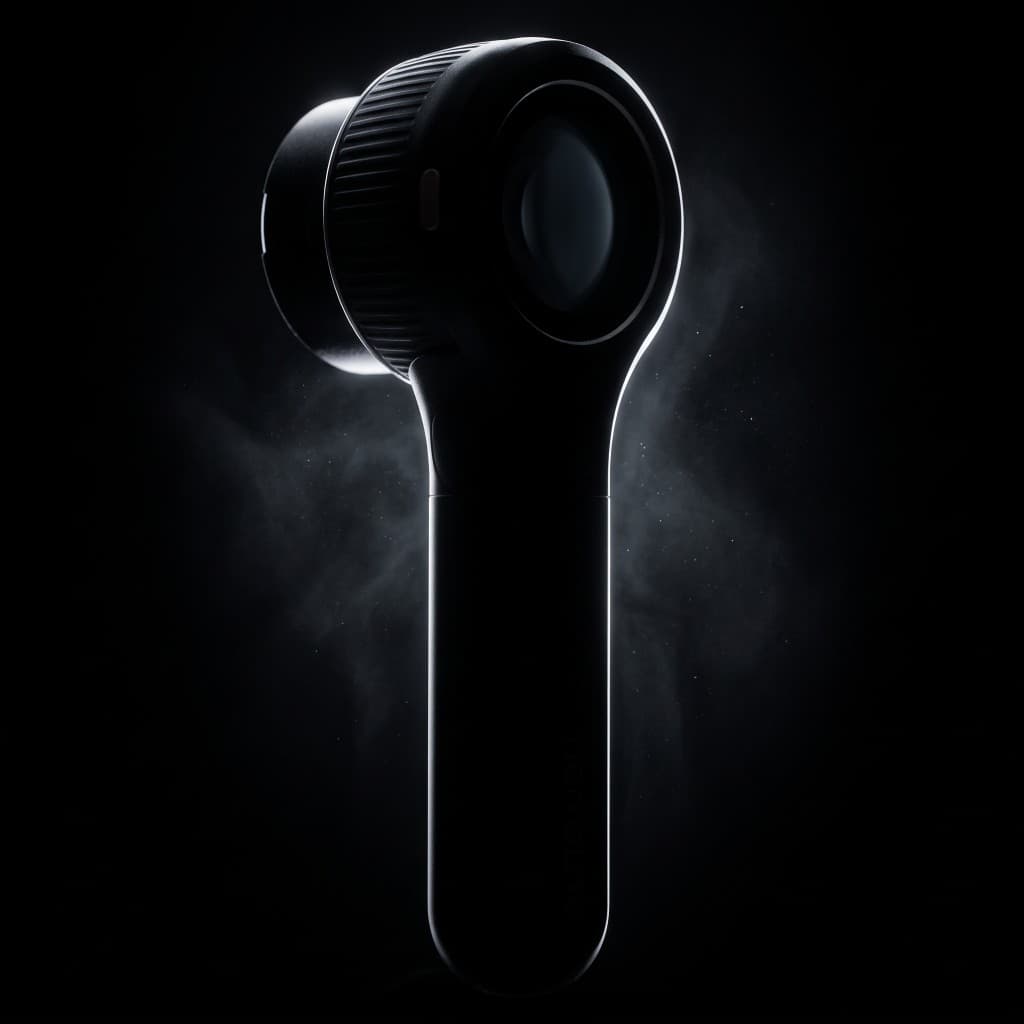
A piece of hardware, designed to disappear in your hand. Limited first run.
From the blog
Notes from clinical practice.
Practical writing on dermatology imaging, teledermatology, and running a clinical practice. We publish most weeks.
All postsTechnology
The Complete Guide to AI skin cancer detection in Modern Dermatology
To effectively work with AI skin cancer detection, it's essential to understand the underlying principles. At its core, AI skin cancer detection involve...
Communication
Patient Communication in the Digital Age
Effective communication is the foundation of quality dermatology care. Learn strategies for engaging patients through digital platforms while maintaining the human connection.
Education
Common Dermoscopic Patterns: A Visual Reference
Understanding dermoscopic patterns is essential for accurate diagnosis. This visual guide covers the most important patterns dermatologists encounter in daily practice.
Try SkinMD
Five patient records, on us.
No credit card. The iOS capture app is available today; Android is in development.